How to Recover the Fastoe Bootable USB Flash Drive
by Alan Pfahler on May 21, 2022Fastoe provides free online recovery service, please follow the steps below to recover your bootable USB drive.
NOTE: The Windows image does not include a Windows key, you must have a Windows key to activate Windows, but you can still install or upgrade to Windows 10/11.
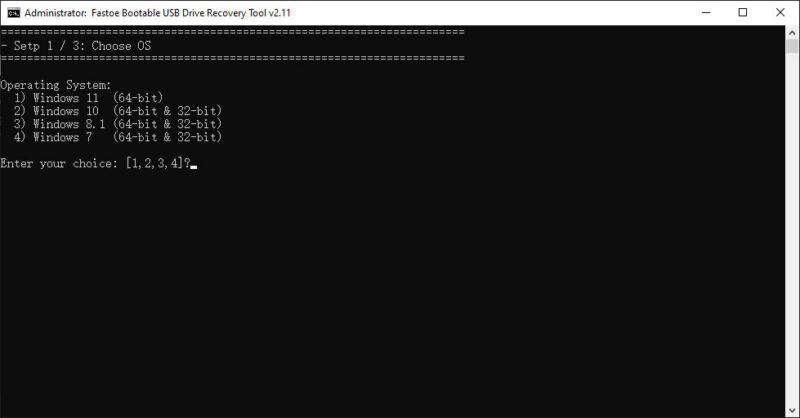
- Download the Fastoe Recovery Utility, unzip it to any directory, and run the FastoeRecoveryUtility.bat.
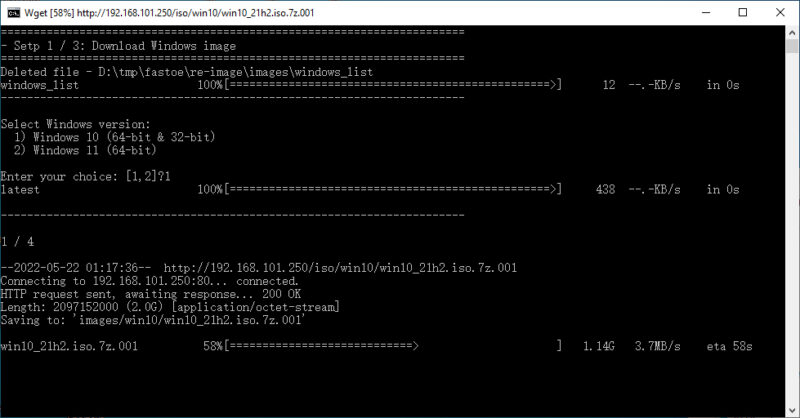
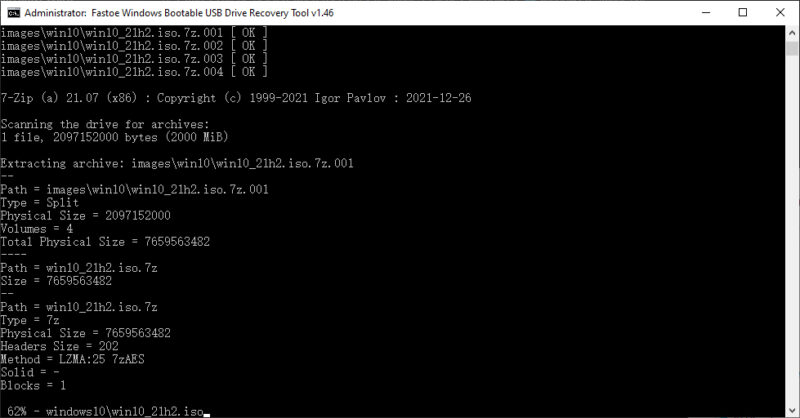
- Wait for the download to complete.
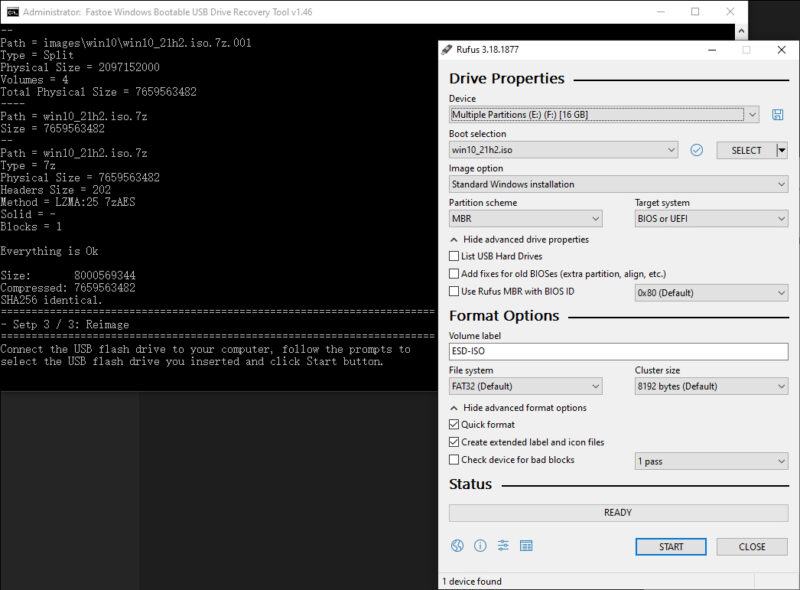
- Connect a USB flash drive to your computer, follow the prompts to select the USB flash drive you inserted and click Start.
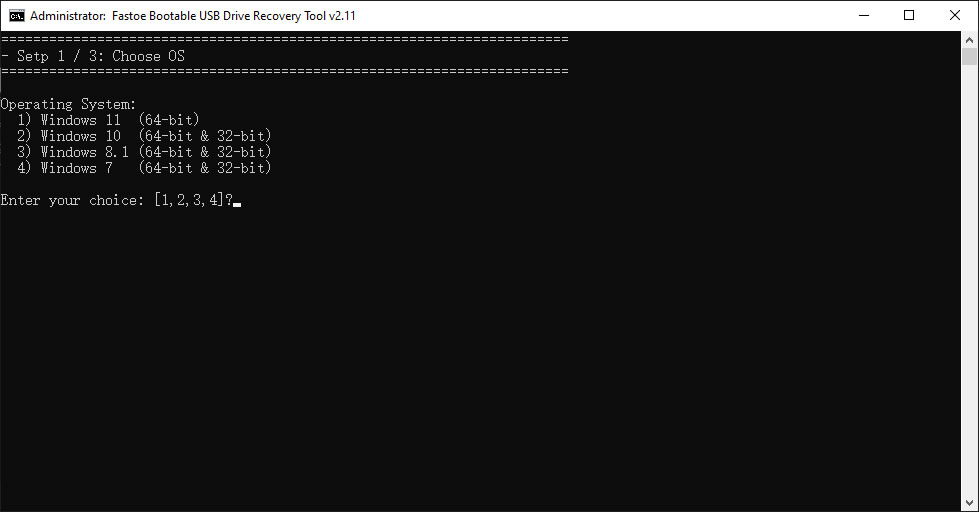
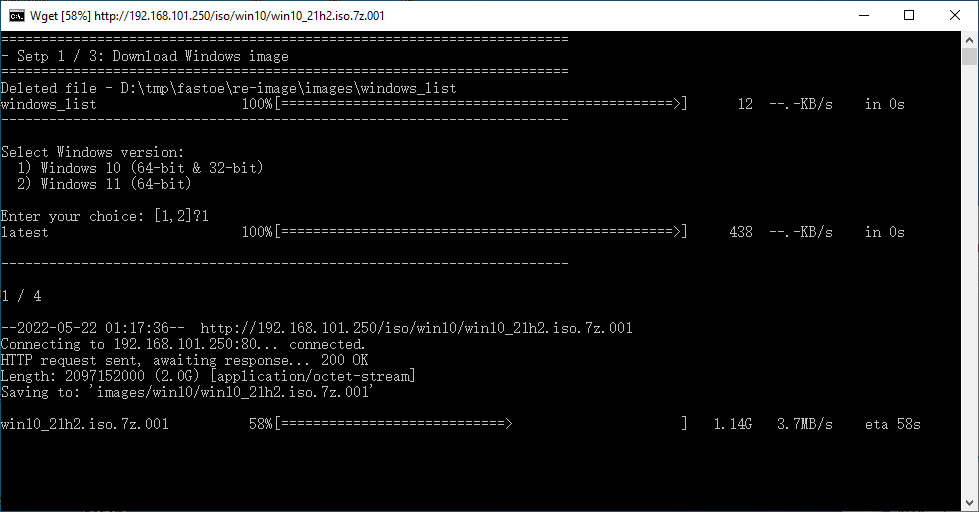
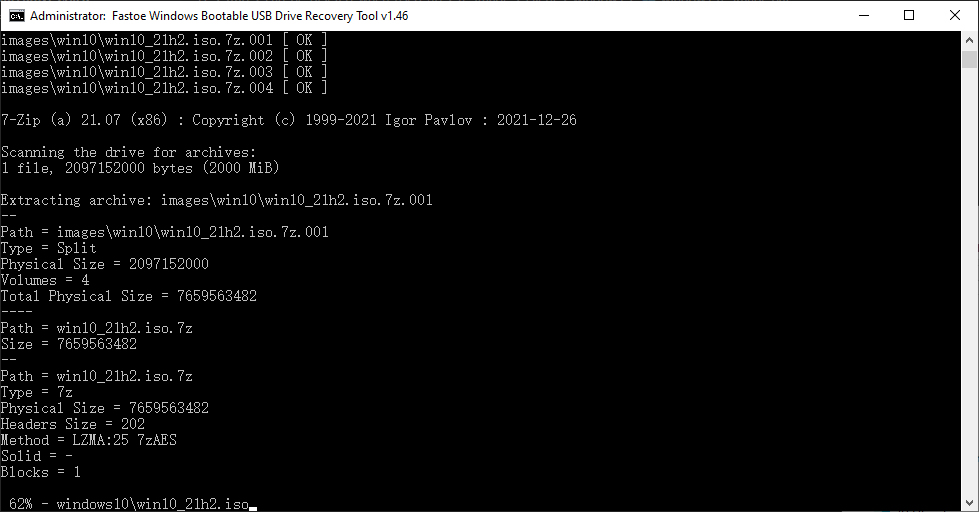
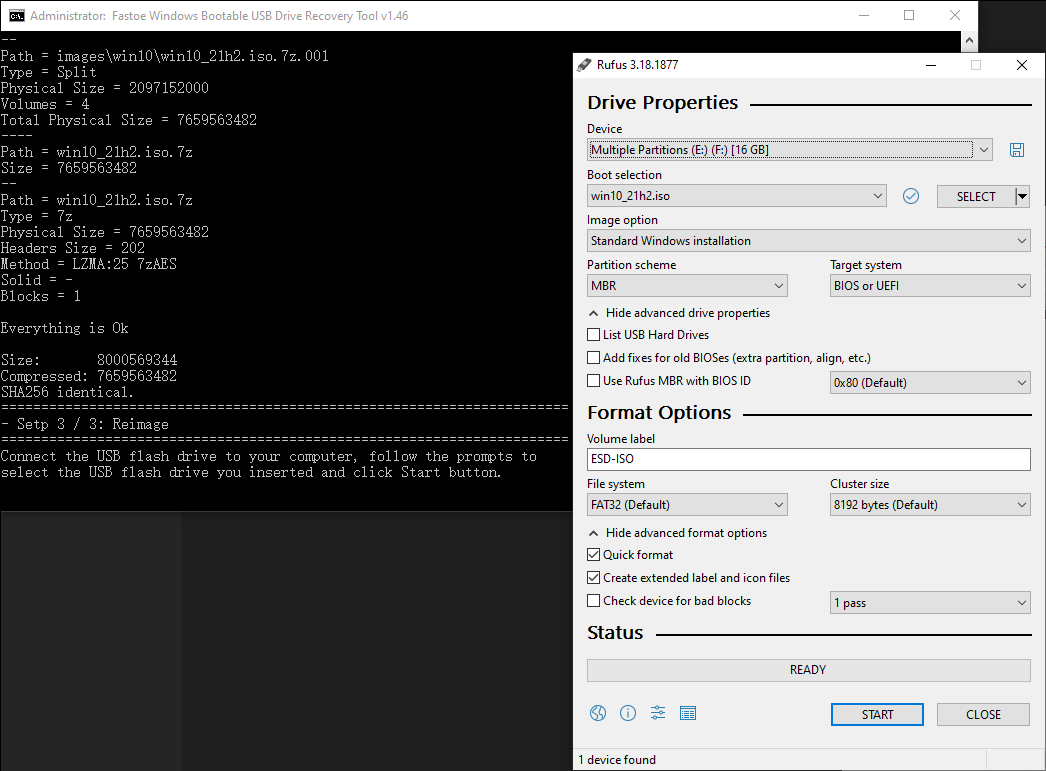
- Fastoe Recovery Utility: https://www.fastoe.com/download/FastoeRecoveryUtility.zip