How to View HEIC and HEVC files on Windows 10
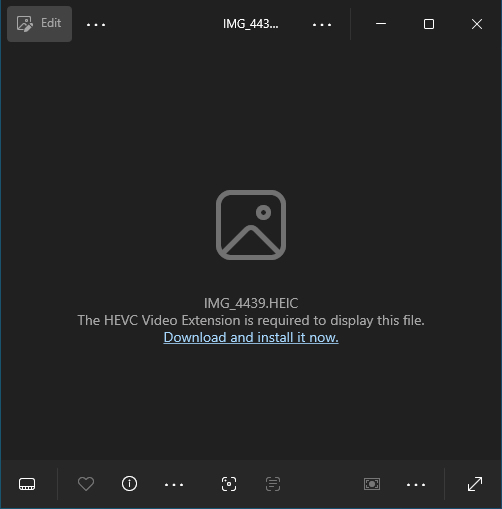
by Alan Pfahler on January 20, 2026To view HEIF & HEIC images or HEVC (H.265) videos on Windows 10 and earlier versions of Windows 11, You can't open these files directly and you will receive the following message:
The HEVC Video Extension is required to display this file.
Download and install it now.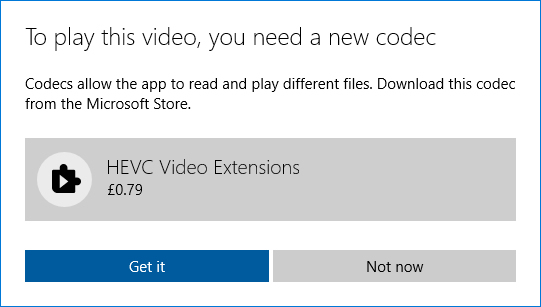
 Play HEVC (H.265) videos in Windows Media Player (Classic) without a third-party codec pack or media player.
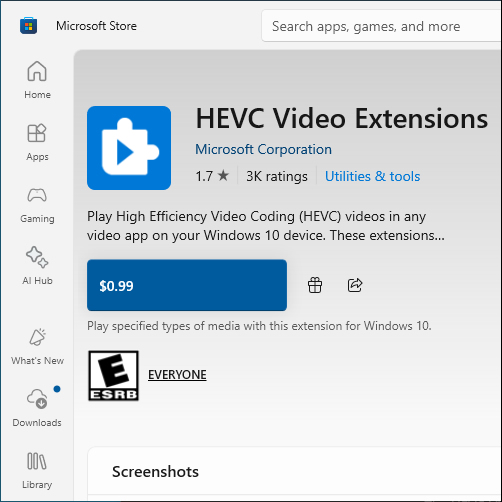
Download the HEVC Video Extension for free without paying $0.99 on the Microsoft Store.
- Microsoft.HEVCVideoExtension_1.0.40203.0_x64__8wekyb3d8bbwe.Appx (64-bit)
- Microsoft.HEVCVideoExtension_1.0.40203.0_x86__8wekyb3d8bbwe.Appx (32-bit)
Install
- Double-click the AppxBundle file, and then click Install.
Verify
- Exit and restart Windows Media Player if it was already running.
- Right-click HEIC file > Open as > Select other apps, check “Photos” and click “Always open with this app”. Or via Settings > Apps > Default Apps > Select Default Apps by File Type, find .heic and associate it to “Photos”.
- Enjoy.