How to fix boot error 0xc0000098
by Alan Pfahler on May 27, 2026Windows boot error 0xc0000098 is a critical boot failure triggered by corrupted or missing Boot Configuration Data (BCD). Windows doesn't start. Instead, the system generates an error that resembles the following:
File: bcd/iastorafs.sys/volmgrx.sys/vstxraid.sys
Status: 0xc0000098
Info: The operating system couldn't be loaded because a critical system driver is missing
or contains errors.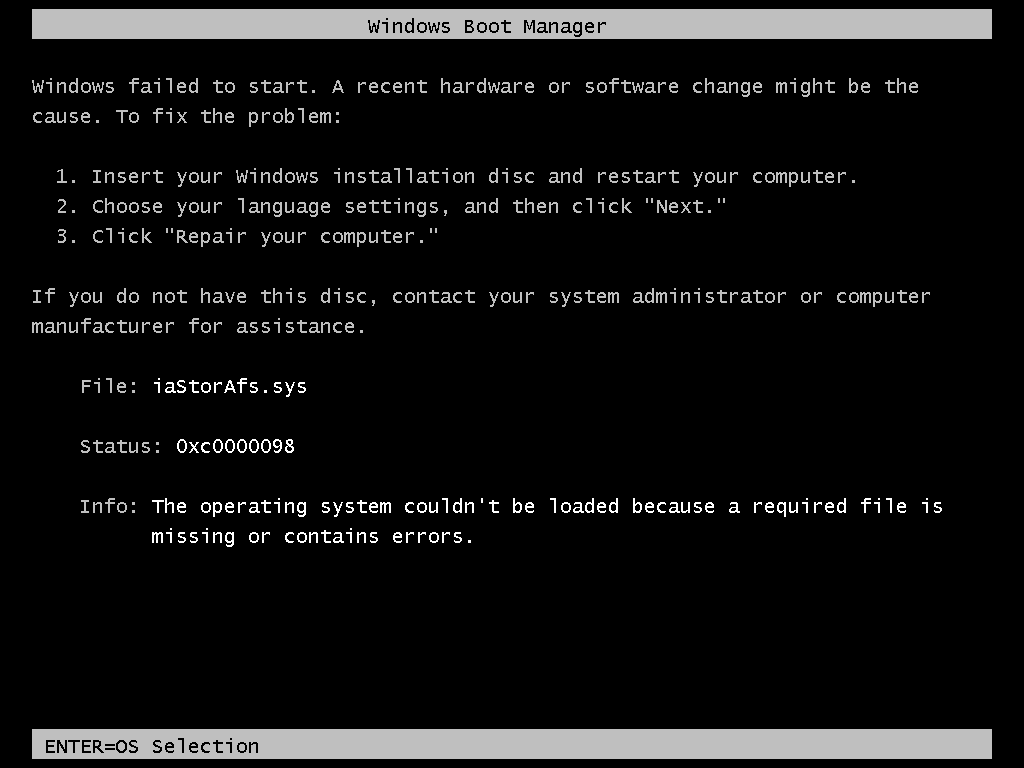 Error Code 0xc0000098 - iaStorAfs.sys missing
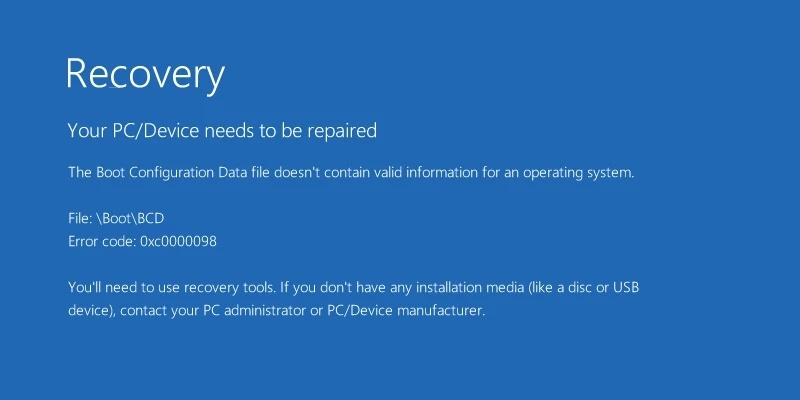 Error Code 0xc0000098 - boot\BCD missing
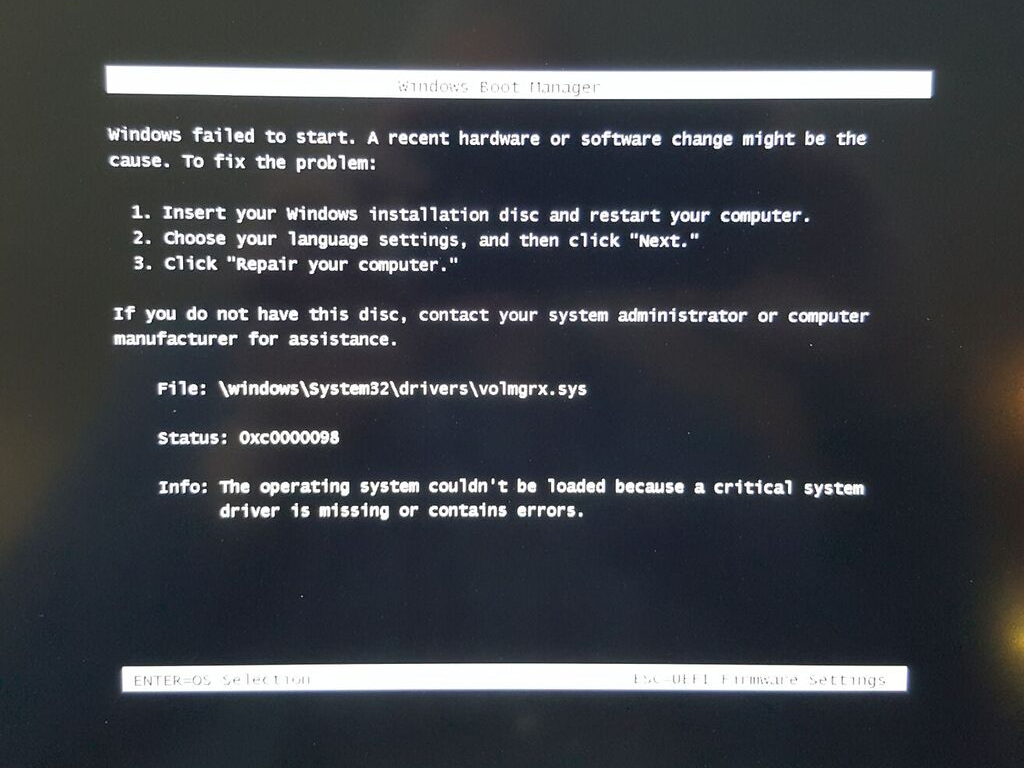 Error Code 0xc0000098 - volmgrx.sys missing
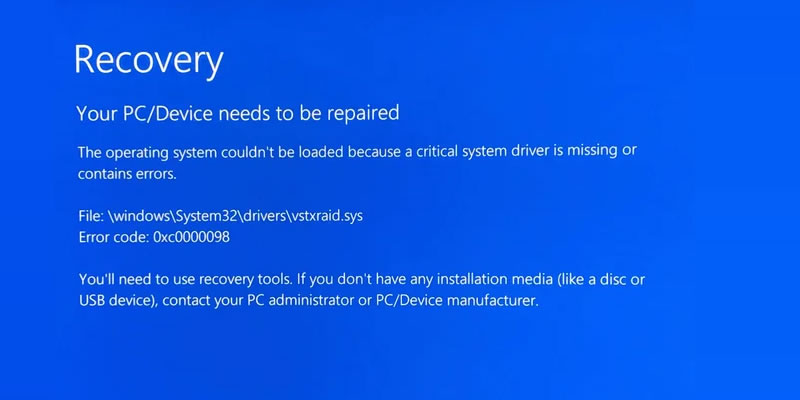 Error Code 0xc0000098 - vstxraid.sys missing
The issue is caused by missing or corrupted files. For most people, copying lost files to a specified directory or trying to repair them using system commands is difficult. The easiest method is to reinstall the Windows (Make sure to back up your personal data). Refer to the following link to reinstall your Windows:
- https://www.fastoe.com/blog/install-windows-11-without-tpm
- https://www.fastoe.com/blog/clean-install-or-reinstall-windows10
- https://www.fastoe.com/blog/clean-install-or-reinstall-windows7
Reference Links: